01
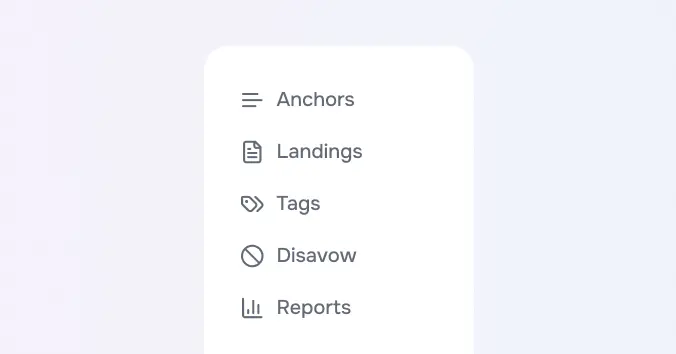
Open Reports
Start from the Reports view where your backlink data is already summarized.
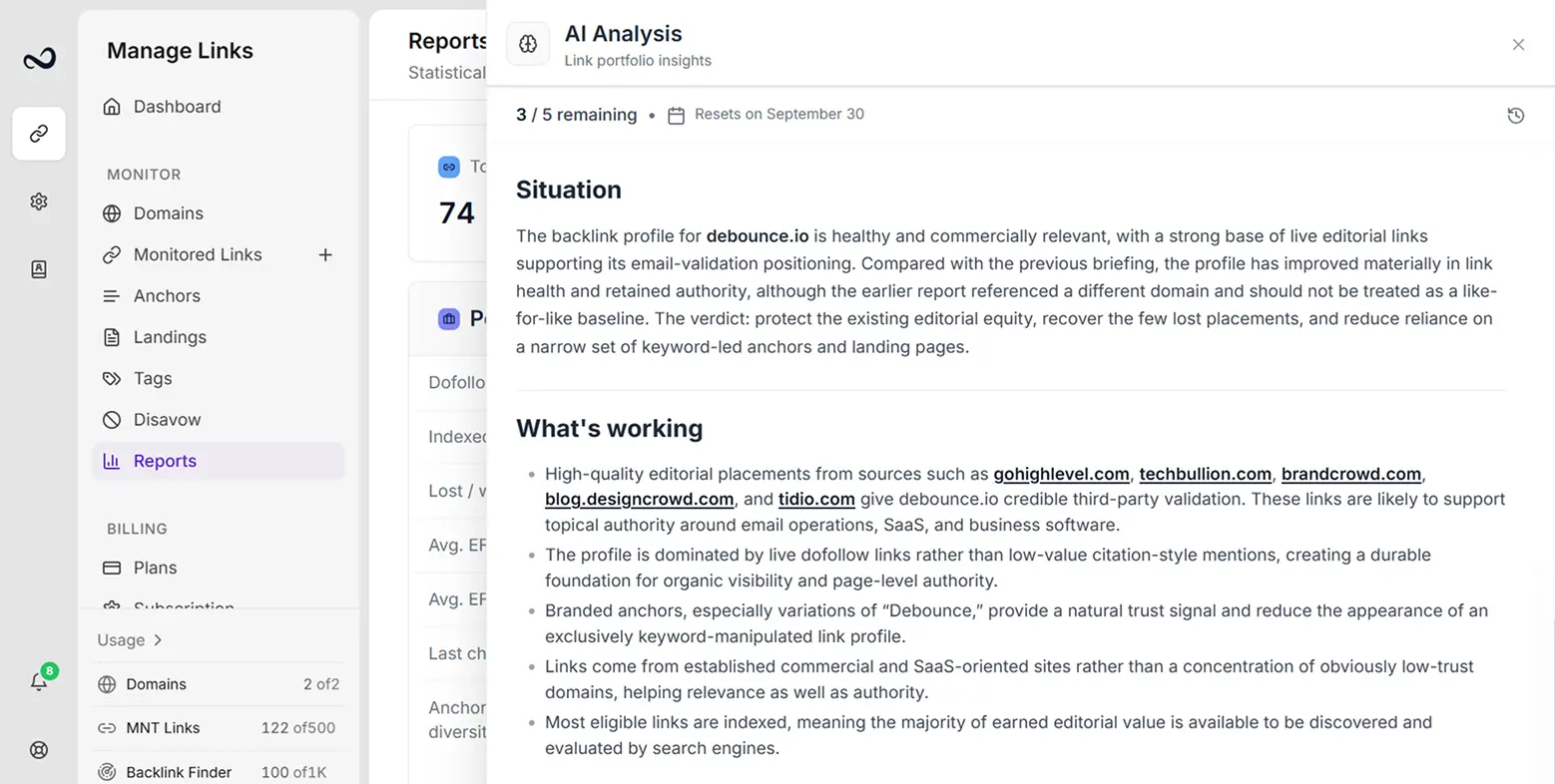
Run analysis on your current Reports view and get clear written insights about portfolio health, quality, risks and next steps. grounded in your real backlink data.
Open Reports
Start from the Reports view where your backlink data is already summarized.
Set Filters
Focus the analysis by domain, status, tags, contacts or other filters.
Run Analysis
Generate a written AI summary with insights and practical next steps.
Ples sends your current Reports filters to GPT-5.6 Terra and returns a written analysis of the filtered portfolio. Review strengths, weak spots and practical opportunities without leaving your reporting workflow.
Comments on portfolio health, quality and issues
Highlights strengths and areas at risk
Suggests practical next steps for the campaign
Keeps you in control — no automatic link edits or disavows
Health & Quality
Overall assessment of your backlink portfolio health, authority and commericalrelevance.
What’S working
Key strengths and positive trends in your link profile.
Risks
Potential issues, weak spots and areas to watch.
Next Steps
Practical, prioritized recommendations for your campagin.
Trial
1
analysis/month
Basic
5
analysis/month
Pro
10
analysis/month
Business
15
analysis/month
Enterprise
25
analysis/month
Grounded in your Reports data
Analyzes the same backlink data you see in your Reports view.
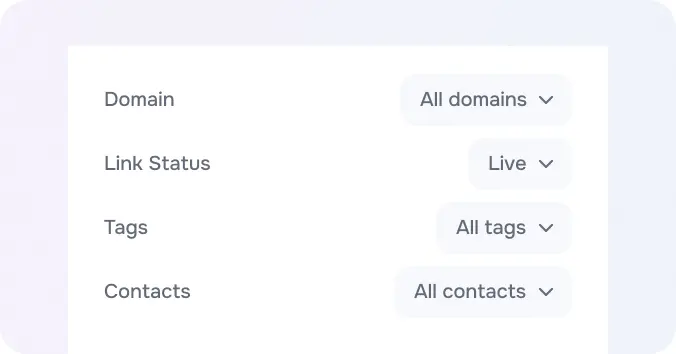
Uses your current filtered set
Runs analysis on whatever filters you’ve applied. domain, status, tags, contacts and more.
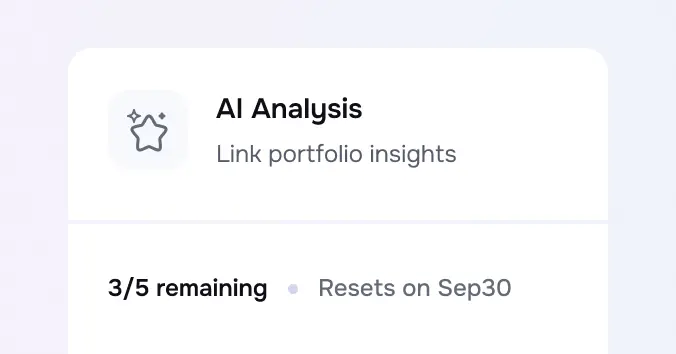
Works within your plan quota
Each plan includes a monthly quota of analyses, so you can use the feature consistently as part of your workflow.